
How To Activate Nigehban Card Online
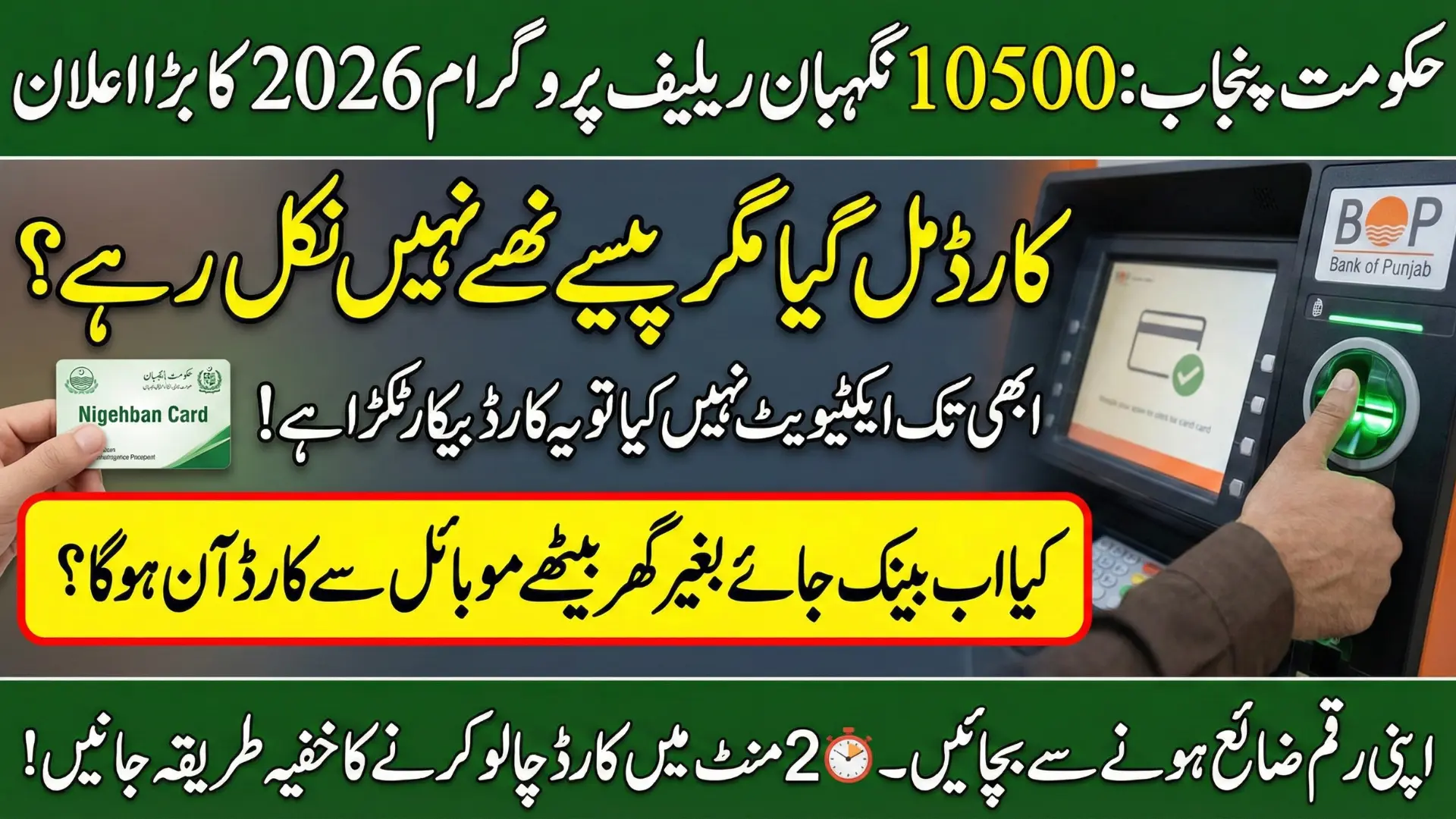
If you’ve received your Nigehban Card but can’t access the money, here’s the simple truth for 2026: the card must be activated first. This guide explains how to activate Nigehban Card online in the sense of using official digital verification channels, mainly through Bank of Punjab (BOP) biometric ATMs, with helpline and agent support for those without ATM access.
After activation, beneficiaries can withdraw Rs. 10,500 relief instantly and use the card at registered outlets. Activation is free, secure, and requires CNIC verification, biometric or OTP, and setting a PIN. Follow the steps, avoid scammers, and unlock your funds within minutes.
Why Nigehban Card Activation Process Is Important
Many people think receiving the Nigehban Card means the money is ready to withdraw. In reality, the card remains inactive by default for security reasons. Activation links your card with your CNIC and biometric record, making sure the relief amount goes to the right person.
Without completing the Nigehban Card activation process, you cannot withdraw your Rs. 10,500 assistance, use the card at registered shops, or receive future installments. This step also protects you from fraud, card misuse, and identity theft.
Also Read: Breaking News! Now Maryam Nawaz 10000 Relief Program Registration Will Done Through 1000 Helpline
Quick Info – Nigehban Card Activation Process
| Item | Details |
|---|---|
| Card Name | Nigehban Card (Himmat / Punjab Khidmat Card also supported) |
| Relief Amount | Rs. 10,500 |
| Activation Method | Bank of Punjab (BOP) biometric ATM |
| Verification | Biometric or OTP |
| Fee | Free |
| Works on Other ATMs | Yes (1-Link network, small fee may apply) |
| Helpline | 08000-2345 / 111-267-200 |
Why Nigehban Card Activation Is Mandatory
For security, all Nigehban Cards are delivered deactivated. This prevents misuse if a card is lost during delivery. Your identity must be verified against NADRA/PSER records before funds unlock.
Real-life example:
Many daily wagers receive the card, go to an ATM, and see “Card Inactive.” It’s frustrating, but it doesn’t mean you’re rejected. It just means activation is pending.
Benefits of quick activation:
- Instant cash access (withdraw Rs. 10,000)
- Use at registered grocery stores for subsidized items
- Future installments come smoothly without re-verification
Read More: Nigehban Ramzan Package Card Start Door-to-Door Distribution in Punjab – Know Full Details
What You Need Before You Go
Carry these with you:
- Your physical Nigehban Card
- Original CNIC
- Registered mobile number (for OTP if biometric fails)
- Your date of birth as per CNIC
Pro tip: Visit BOP ATMs late morning (around 10–12). Servers are calmer, queues are shorter.
Nigehban Card Activation Process
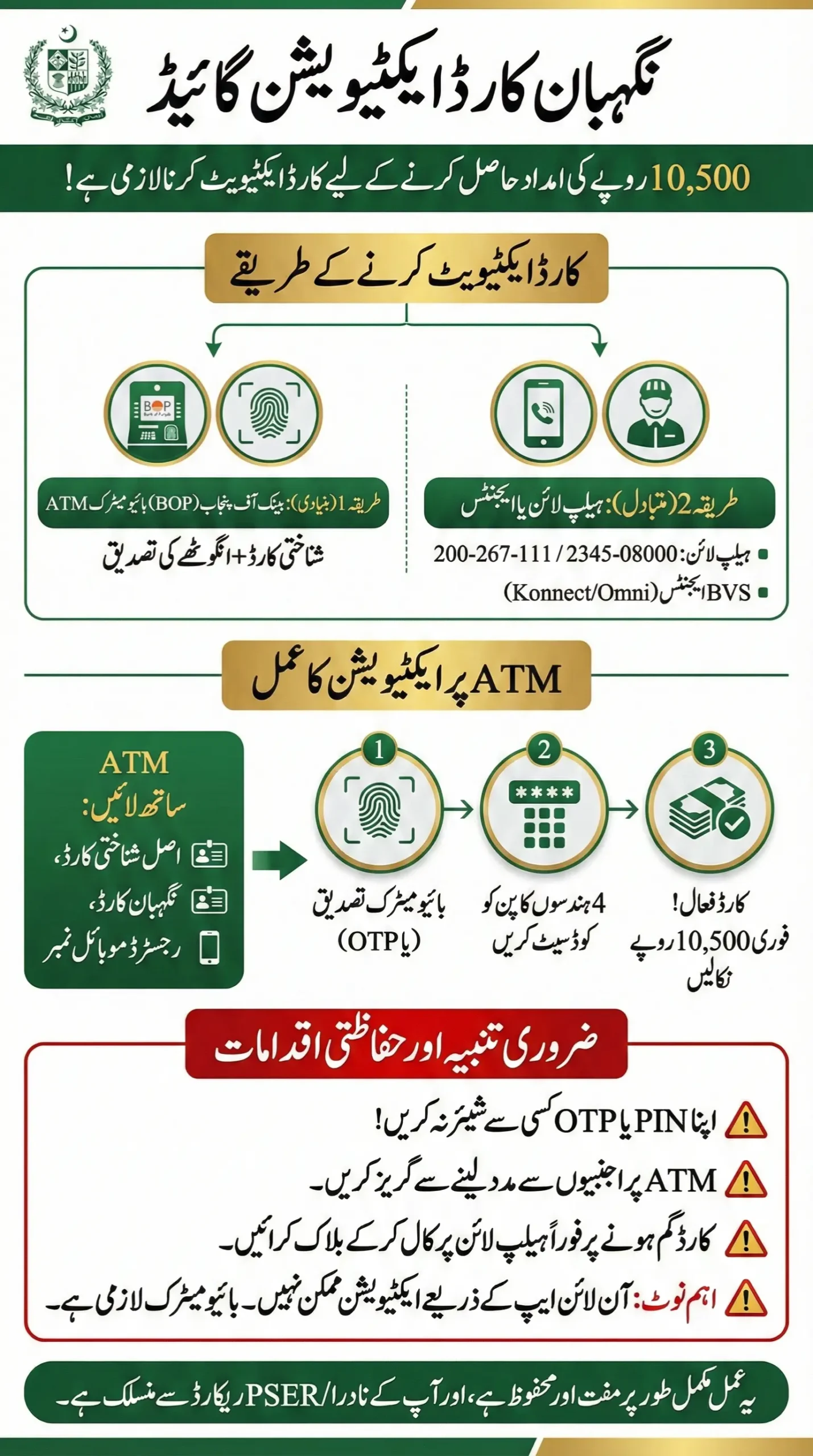
Step 1: Find a biometric BOP ATM
Look for a machine with a fingerprint scanner (green light).
Step 2: Insert your card
Select Urdu or English on screen.
Step 3: Biometric verification
Place your right thumb on the scanner.
If it fails (common for labourers/elderly), choose OTP verification.
Step 4: OTP (if needed)
Enter the code sent to your registered mobile number.
Step 5: Set your 4-digit PIN
Create a PIN you can remember. Don’t share it with anyone.
Step 6: Confirmation
You’ll see a success message. Your card is now active.
Also Read: PM Ramzan Package CNIC Check Via 9999 – Know Details How to Check CNIC
No ATM Nearby? Two Alternative Options
- BOP Helpline Activation: Call 08000-2345 or 111-267-200. After identity checks, they’ll guide you to activate and set a PIN.
- BVS Agents (Konnect/Omni): Visit a registered biometric agent with your CNIC and card. They’ll scan your thumb and activate it on the spot.
How to Withdraw Cash After Activation
- Insert card → Enter PIN
- Select Cash Withdrawal
- Enter Rs. 10,000
- Take cash and receipt
- Count your money before leaving
Alert: Don’t take help from strangers at ATMs. If you’re confused, ask the bank guard.
Also Read: PM Ramzan Package 13000 Launched for Ramadan 2026 – 12.1 Million Families to Get Cash Aid
Common Problems and Solutions
| Error Message | Meaning / Solution |
|---|---|
| Card Inactive | Activation not completed. Try again or call helpline. |
| Biometric Failed | Clean thumb, try another finger, or use OTP. |
| Temporarily Blocked | Too many wrong PIN attempts. Wait 24 hours. |
| Issuer Down | Server busy. Try after a few hours. |
| ATM Swallowed Card | Inform the bank branch immediately. |
Safety First: Protect Your Rs. 10,000
- Never share your PIN or OTP not even with “official callers.”
- Don’t hand your card to shopkeepers for balance checks.
- Lost card? Call helpline immediately to block it.
Also Read: Apna Khet Apna Rozgar Registration Documents Required Step-By-Step Full Deails 2026
FAQs
Can I activate the Nigehban Card online via an app?
No. As of 2026, online/app activation is not available. Biometric verification is mandatory.
Is activation free?
Yes. 100% free. Anyone asking for money is scamming you.
Can I use HBL/UBL ATMs?
Yes, after activation, it works on 1-Link ATMs (small fee may apply).
Forgot PIN?
Call the helpline and reset after identity verification.
Final Word
The Nigehban Card activation process BOP ATM 2026 is simple, secure, and designed for real people not tech experts. If your family depends on this Rs. 10,000 relief, don’t let a small technical step hold you back.
Activate your card today, withdraw your funds, and bring some ease to your home this Ramzan. If the ATM fails, the helpline and BVS agents are there to back you up.